


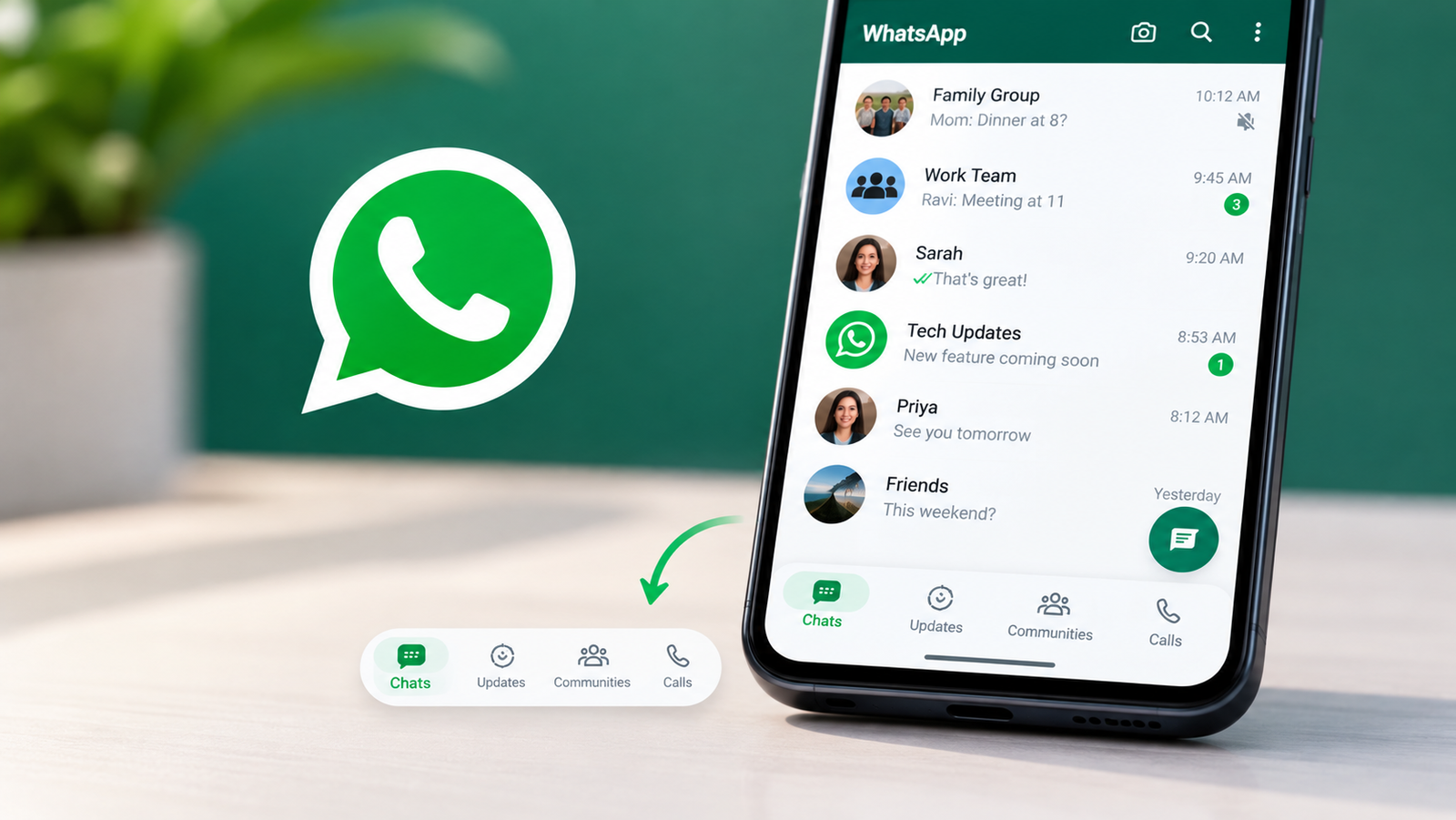
WhatsApp Android Navigation Bar is working on another major improvement to its Android interface, and this time, the navigation bar could become smarter than ever. The latest development suggests that the messaging platform is testing a dynamic bottom navigation bar that automatically changes its appearance as users scroll through the app. The upcoming WhatsApp Android navigation bar redesign aims to provide a cleaner interface while giving users more space to view their conversations.
According to a report published by WABetaInfo on October 21, 2026, the feature was discovered in WhatsApp beta for Android version 2.26.41.6. Although the new design is still under development, it offers an early look at how WhatsApp could change the way millions of Android users navigate the app.
WhatsApp Android Navigation Bar Could Change Automatically
One of the most interesting improvements is the introduction of a dynamic navigation bar that responds to scrolling. Currently, WhatsApp uses a bottom navigation system that allows users to switch between different sections of the application. However, the upcoming redesign introduces a more flexible approach.
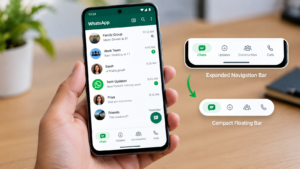
When users scroll down through their chat list, the navigation bar could automatically shrink into a smaller floating pill. As soon as they scroll upward, the bar would expand to its original size. This means users could enjoy more screen space while browsing conversations without completely losing access to the navigation controls. The design is intended to make WhatsApp feel more modern while keeping its essential features accessible.
How the New WhatsApp Dynamic Navigation Bar Works
The latest WhatsApp Android beta development reveals two possible states for the navigation bar.
1. Expanded Navigation Bar
When users initially open a tab, the navigation bar appears in its expanded form. The larger layout provides access to the application’s main sections and makes navigation easier.
2. Compact Floating Navigation Bar
When users begin scrolling downward, the navigation bar becomes smaller. Instead of occupying the same amount of space, it transforms into a compact floating pill. Scrolling upward restores the expanded layout. This behavior could be particularly useful for people who regularly browse long chat lists. It may also help WhatsApp make better use of available screen space on Android smartphones.
WhatsApp Android Navigation Redesign Takes Inspiration From Instagram
The new scrolling behavior may look familiar to people who use Instagram. Both WhatsApp and Instagram are owned by Meta, and the latest navigation concept follows a similar approach to interface design. Instagram already uses navigation behavior that adjusts while users scroll through certain sections of the application. WhatsApp is now exploring a comparable experience for its Android interface.
However, this does not mean WhatsApp is copying every aspect of Instagram’s design. The goal appears to be improving navigation while maintaining WhatsApp’s familiar messaging experience.
WhatsApp Has Already Tested Several Navigation Bar Changes
The dynamic navigation bar is not the first interface improvement WhatsApp has explored in recent weeks. Earlier Android beta developments revealed a redesigned floating navigation bar with rounded corners. WhatsApp also experimented with removing text labels beneath navigation icons.
Another update introduced plans to replace the pill-shaped selected-tab indicator with a circular design. The latest dynamic scrolling behavior represents another stage in this ongoing redesign. Together, these developments suggest that WhatsApp Android Navigation Bar is continuing to refine the appearance and usability of its Android application. However, the company has not finalized the design, and some elements may change before the feature reaches users.
Why the WhatsApp Android Navigation Bar Update Matters
At first glance, a smaller navigation bar might seem like a minor visual change. However, interface improvements can make a noticeable difference to everyday smartphone use. For example, users who manage dozens of conversations may benefit from having more space available while scrolling through their chats.
A navigation bar that automatically adjusts could also make the app feel less cluttered. Another potential benefit is improved visual consistency across Meta’s applications. For users who prefer a simple messaging interface, the redesigned navigation system could offer a cleaner experience without removing important controls. Of course, the actual benefits will depend on how WhatsApp implements the feature in future updates.
Is the New WhatsApp Android Navigation Bar Available?
The dynamic WhatsApp Android navigation bar is not currently available to regular users or beta testers. According to WABetaInfo, the feature remains under development. Although it was discovered in WhatsApp beta for Android version 2.26.41.6, installing that version does not mean users can activate the new design.
WhatsApp may introduce the feature to selected beta testers in a future update. The company has not announced an official release date or confirmed when the redesigned navigation bar will become available to everyone.
Will the New WhatsApp Navigation Bar Include Meta AI?
WhatsApp Android Navigation Bar has been introducing artificial intelligence features across its platform, including Meta AI integration. However, the latest dynamic navigation bar development focuses on the appearance and scrolling behavior of the interface. There is currently no confirmation that this particular update introduces new Meta AI functionality. Users should therefore consider the dynamic navigation bar and Meta AI features as separate developments unless WhatsApp announces further integration.
What Should WhatsApp Android Users Expect Next?
WhatsApp’s ongoing navigation redesign indicates that the company is experimenting with different ways to improve the Android experience. The floating layout, updated tab indicators, and dynamic scrolling behavior could eventually become part of a broader interface refresh. For now, users should remember that these changes are experimental.
The final version may look different from the designs currently being tested. The latest WhatsApp Android navigation bar development shows that even familiar parts of the messaging app could change significantly in future updates. Whether the dynamic design makes everyday navigation easier will become clearer once WhatsApp begins testing it with actual users.
[…] WhatsApp chat backup screen redesign has also been working on improved backup management for Android. Earlier reporting from WABetaInfo described a feature intended to let users review previous backups and remove old or duplicate copies. The aim is to make it easier to manage storage associated with chat backups. However, this development should be distinguished from the redesigned backup screen that is currently rolling out. […]